
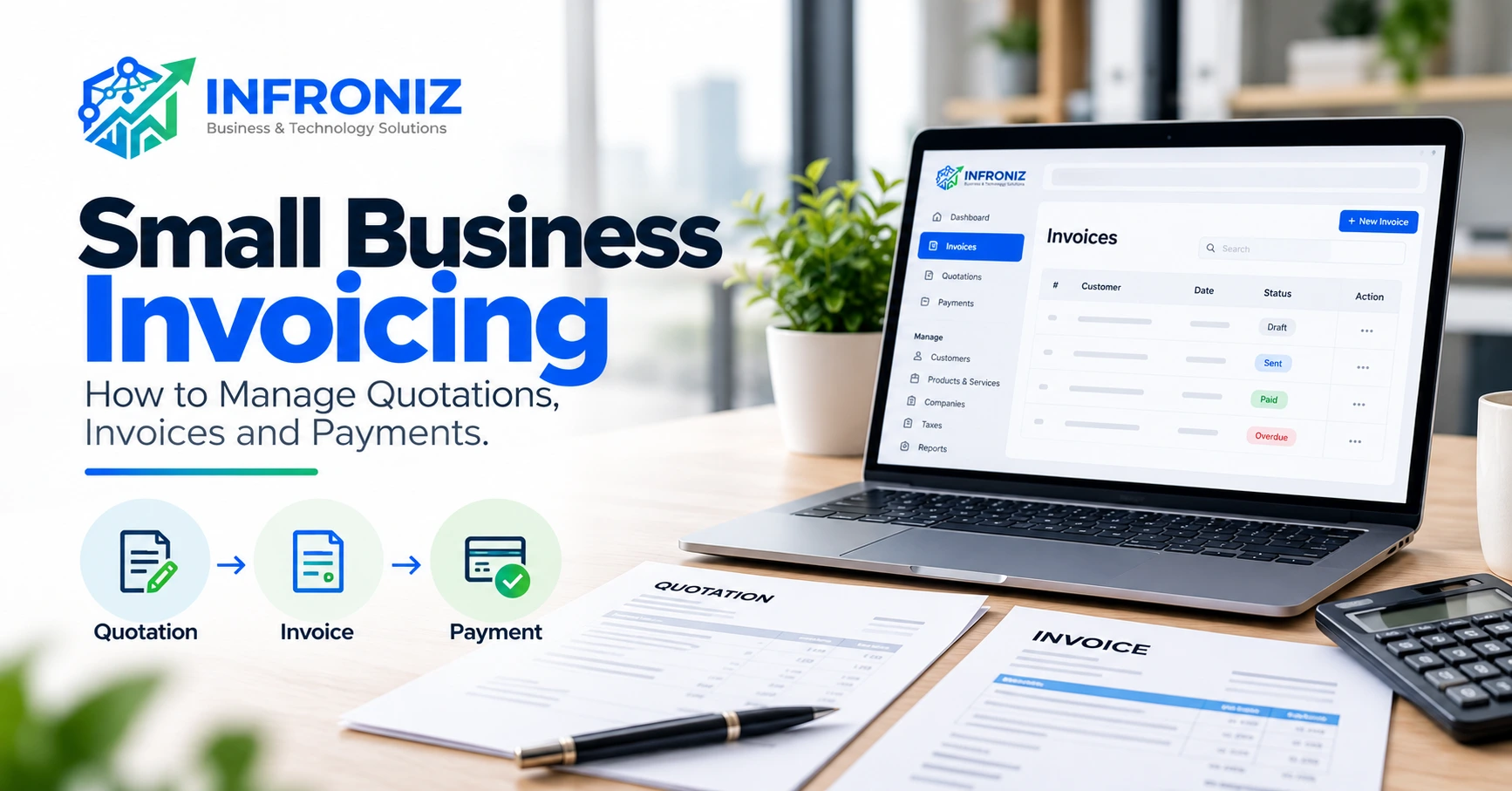
A business can deliver good work and still struggle with cash flow when quotations, invoices and payment records are scattered across email, spreadsheets and chat messages. The problem is often not the invoice template. It is the lack of a repeatable process: what was agreed, what was billed, what has been paid and what needs follow-up.
This guide explains a practical invoicing workflow for small business owners and operations teams. It covers the handoff from quotation to invoice, useful document fields, payment tracking, common mistakes and a monthly review routine. The aim is clearer records and fewer avoidable administrative gaps—not a promise that every invoice will be paid on time.
1. Understand the three records in the workflow
A quotation sets out a proposed scope and price before the customer accepts. It should make clear what is included, any exclusions, assumptions, applicable taxes where relevant, the quote validity period and the proposed payment terms. A quotation is not evidence that payment has been received.
An invoice is the request for payment for agreed goods or services. It should reference the customer, the transaction and the amount due. A payment record documents what was actually received, when, by which method and against which invoice.
These records serve different purposes. Keeping them linked helps a team explain why an invoice was issued and how its outstanding balance was calculated.
2. Start with a clear quotation
Before preparing a quotation, confirm the customer name, contact, deliverables, quantities, pricing basis and any approval required. For service projects, describe milestones or deliverables in plain language. If costs may change because of third-party fees, usage or scope changes, state that clearly.
Use a consistent quotation reference such as QT-2026-001 and a visible issue date. Confirm the validity period so an old price is not accidentally treated as current. Send the quotation through an agreed channel and keep the accepted version with any written approval.
Example: a company requests a website and a monthly support arrangement. The quotation should distinguish the one-time development scope from recurring support rather than combining both into a vague single line.
3. Convert an accepted quotation into an invoice
Once the customer approves the scope, review the final agreed terms before creating the invoice. Do not automatically assume the original quotation is unchanged; check approved revisions, deposits, delivery milestones and tax treatment.
Carry forward the customer and item details where possible to reduce retyping. Add a unique invoice number, invoice date, payment due date, agreed terms, currency and payment instructions. If there is an advance payment or partial billing, show how the remaining amount is determined.
Keep the relationship between the original quotation, approval and invoice. This is useful when a customer asks why an amount differs from an earlier estimate.
4. What should a professional invoice include?
A practical invoice typically includes the issuing business name and contact details; customer details; unique invoice number; issue and due dates; item descriptions; quantities and rates where relevant; subtotal; applicable taxes or adjustments; total due; payment instructions; and a short reference to the agreed scope or purchase order when available.
If your business requires a tax registration number, specific tax wording or additional disclosures, follow the requirements applicable to your jurisdiction and transaction. Invoice formats and tax rules vary; a generic template is not a substitute for professional tax advice.
For service businesses, descriptions such as “development work” can create disputes. A clearer description identifies the approved phase, date range or deliverable.
5. Track payments separately from invoices
An invoice marked “sent” is not the same as an invoice marked “paid.” Maintain a payment log that records the invoice reference, amount received, receipt date, payment method, any bank or transaction reference and remaining balance.
Partial payments require particular care. For example, if an invoice totals PKR 80,000 and the customer pays PKR 30,000, the outstanding balance is PKR 50,000. The record should show the partial receipt rather than marking the entire invoice as paid.
Reconcile payment records with bank or payment-provider statements regularly. Differences can arise from bank charges, refunds, duplicate entries or payments made without an invoice reference.
6. Use a simple follow-up process
A reliable process begins before the invoice becomes overdue: send the invoice promptly, make payment instructions clear and confirm that it reached the right contact. Near the due date, send a courteous reminder that includes the invoice reference and outstanding amount.
If payment is late, review the agreed terms and whether the customer has raised a dispute. Keep follow-up communication professional and factual. Escalation procedures should match your customer relationship, contract and applicable laws.
Assign responsibility for follow-ups so the same invoice is not chased by multiple team members or overlooked because everyone assumed someone else was handling it.
7. Common invoicing mistakes and how to prevent them
Mistake: inconsistent invoice numbers. Prevention: use a controlled numbering system and avoid manually reusing references.
Mistake: vague descriptions. Prevention: connect each line to a deliverable, product or approved period.
Mistake: missing due dates. Prevention: record the agreed payment terms before issuing the invoice.
Mistake: sending an invoice to the wrong person. Prevention: confirm the billing contact during quotation approval.
Mistake: treating a bank transfer screenshot as final confirmation. Prevention: reconcile against the actual receiving account or payment-provider record.
Mistake: failing to record credits or revisions. Prevention: maintain a traceable adjustment process rather than silently editing previously issued documents.
Mistake: relying on one employee’s spreadsheet. Prevention: document the workflow and maintain controlled access and backups.
8. A practical weekly and monthly review routine
Every week, review newly approved quotations awaiting invoicing, issued invoices approaching their due date, overdue invoices requiring follow-up and payments awaiting reconciliation. Record the next action and owner for each exception.
At month end, compare total invoiced amounts with actual collections. Review aged receivables, unresolved disputes, recurring billing commitments and invoices with missing customer information. Look for process issues rather than assuming every late payment is a customer problem.
If a team repeatedly issues invoices late, the root cause may be an unclear approval handoff. If payments arrive without references, the issue may be payment instructions or inconsistent customer communication.
9. When should a business move beyond spreadsheets?
Spreadsheets can be appropriate for a very small operation with limited transactions and one responsible person. Problems appear when multiple people edit files, quotations must be copied into invoices, records are duplicated or the owner cannot quickly see outstanding balances.
A structured invoicing application can help centralize customer details, quotations, invoices, payment records and company profiles. Evaluate whether it fits your actual workflow, whether data can be exported and how permissions, backups and support are handled.
Do not adopt a tool merely because it has many features. Start with the recurring errors or delays you need to reduce.
10. Where Infroniz Invoices fits
Infroniz is developing a connected workspace of practical business tools. Its Invoices web app is presented as a way to work with invoices, quotations, company information and payments in one place.
For businesses reviewing their administrative processes, a useful next step is to compare the tool’s currently available capabilities with the quotation-to-invoice workflow described above. Confirm availability, pricing, access and data-handling details on the live product before relying on them.
Infroniz also provides Financial Advisory & Consultancy for businesses seeking clearer reporting and planning support, and Technology & Development services for organizations that need custom workflow systems or integrations. A standard invoicing tool may be sufficient for many teams; custom development is appropriate only when the workflow genuinely requires it.
11. An invoicing process checklist you can use today
Before sending a quotation: confirm customer details, scope, price, exclusions, validity and payment terms.
Before issuing an invoice: confirm acceptance, approved changes, invoice reference, due date, line descriptions, totals and payment instructions.
After issuing: confirm delivery to the billing contact, log receipts, reconcile payments, record adjustments and assign follow-ups.
At month end: review outstanding balances, overdue items, disputed invoices and recurring process errors.
12. Final takeaway
Small business invoicing works best as a connected process rather than a collection of templates. A clear quotation reduces ambiguity; an accurate invoice makes payment expectations visible; and a reconciled payment record shows what has actually been received.
If your business needs help reviewing reporting processes, organizing operational workflows or choosing suitable software, discuss your requirements with Infroniz Business & Technology Solutions. Contact: https://infroniz.com/contact.
Frequently asked questions
Is a quotation the same as an invoice?
No. A quotation proposes the scope and price before acceptance. An invoice requests payment for agreed goods or services.
Should an invoice include a due date?
Yes, when payment is due later. It makes the agreed payment expectation clear and helps teams schedule follow-ups.
How do I track partial payments?
Record each receipt against its invoice and calculate the remaining balance. Do not mark the full invoice as paid until the total due has been settled or formally adjusted.
Do I need invoicing software for a small business?
Not always. A simple spreadsheet can work at low volume, but a structured tool becomes useful when multiple people, customers, invoices and payment follow-ups create avoidable errors.
Can Infroniz help with business reporting or workflow systems?
Infroniz offers Financial Advisory & Consultancy and Technology & Development services. The appropriate scope depends on your requirements and should be confirmed before work begins.