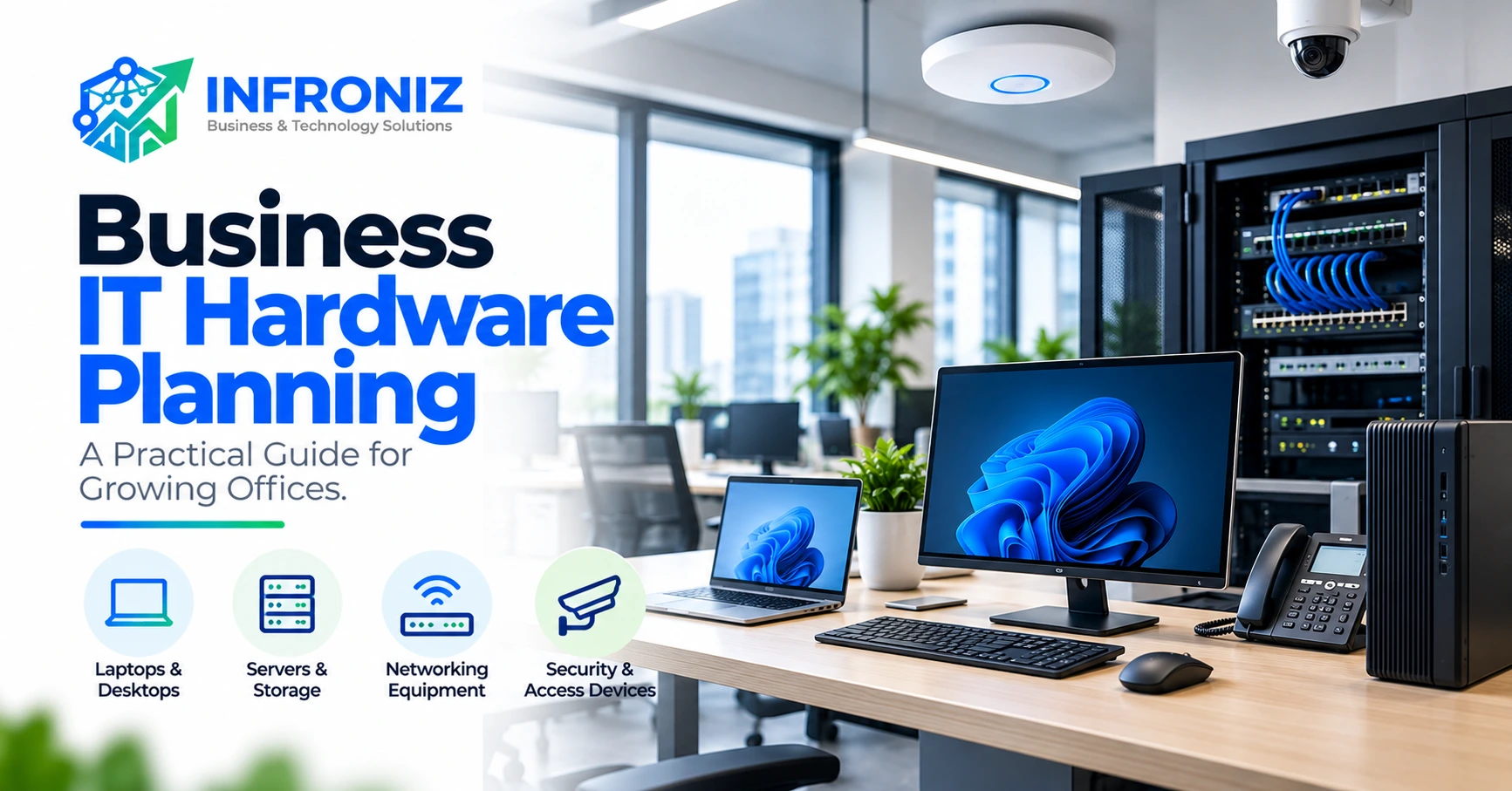
When a business grows, buying computers and network equipment one device at a time may seem convenient. Over time, however, inconsistent specifications, aging systems and poor connectivity can slow everyday work and make support more difficult.
Good business IT hardware planning starts with the work employees need to complete—not a shopping list of the most expensive devices. This guide explains how to evaluate office computers, shared equipment, networking, storage, security and replacement timing before you purchase.
1. Map the Work Before Choosing Hardware
Begin by identifying the main activities in each team: accounting, customer service, operations, design, software development, management and field work. A receptionist accessing a browser-based CRM has different requirements from a designer processing large media files or an analyst working with complex spreadsheets.
For each role, record the applications used, whether work is local or cloud-based, the number of monitors required, mobility needs, file sizes, peripheral requirements and the consequences of downtime.
Example: an office adding five new team members should not automatically order five identical machines. Three may need standard browser and productivity setups; one may need stronger processing capacity; another may need a portable device for travel. Matching equipment to roles helps avoid both overspending and underspecification.
2. Create an Equipment Inventory
Before purchasing anything, document existing computers, monitors, printers, Wi-Fi access points, switches, routers, firewalls, UPS devices and any local servers or storage systems. Include device model, owner or department, purchase date when known, warranty, supported operating system and known issues.
This inventory often reveals that slow performance has several causes. Some machines may only need supported memory or storage upgrades; others may no longer meet software or security requirements. Do not assume that upgrading every component is economical.
3. Choose Computers by Workload
Processor, memory and storage requirements depend on actual business software and expected usage. Modern SSD storage usually supports more responsive everyday workloads than older spinning-disk drives, but the right capacity depends on applications and file handling.
Consider device management, operating system support, warranty terms, repairability, docking options, power requirements and replacement availability. If the business depends on a specific accounting or industry application, check the vendor’s supported system requirements before finalizing specifications.
Avoid publishing a universal “minimum RAM” rule as if it fits all businesses. Requirements vary considerably by workload and change over time.
4. Plan for Network Capacity and Physical Layout
Computers are only part of the environment. Stable connectivity requires suitable switches, routers, access points, structured cabling and placement decisions.
Map the office floor, expected device count, meeting rooms, visitor access and areas where reliable connectivity is important. Consider wired connections for fixed equipment and carefully designed Wi-Fi for mobile devices. Plan enough network ports, uplink capacity and power for future additions.
If Wi-Fi is already inconsistent, buying more access points without checking interference, coverage and channel design may not fix the underlying issue.
5. Include Security in Purchasing Decisions
Hardware and security planning should be connected. Verify that operating systems and firmware remain supported, administrator access can be controlled, devices can be updated, and business data can be protected appropriately.
Where relevant, evaluate business firewall capability, guest Wi-Fi separation, remote-access controls, endpoint protection and physical security. A low-cost device without update support may create costs and risks later.
Connected CCTV and business communication systems should also be accounted for in network capacity and access design. They need not receive unrestricted access to the same resources used by finance or other sensitive teams.
6. Do Not Ignore Shared Equipment and Power
Business operations may depend on printers, scanners, webcams, headsets, conferencing equipment, display screens and desk peripherals. Confirm compatibility and support arrangements rather than assuming every device works with every computer.
Power quality and continuity matter, particularly where routers, switches, local servers and network storage support essential processes. A suitable UPS can provide short-term continuity or controlled shutdown, but sizing depends on connected load and required runtime.
Choose shared equipment based on actual usage patterns, serviceability, consumables and total operating cost—not just the initial purchase price.
7. Cloud Services Do Not Eliminate Hardware Planning
Businesses using cloud accounting, CRM or SaaS systems still need reliable endpoints, identity management, Wi-Fi, internet connectivity and support processes.
The local network becomes part of the delivery chain. If employees cannot connect consistently, a cloud application may feel unreliable even when the service itself is functioning normally.
For teams using custom web applications or automation systems, confirm browser compatibility, peripheral integrations and network access requirements before rolling out new equipment.
8. Calculate Total Cost of Ownership
A hardware budget should extend beyond the purchase invoice. Consider setup, migration, software licensing, warranty, repairs, accessories, replacement parts, electricity, support and eventual disposal.
A cheaper device can become expensive if it fails frequently or requires repeated troubleshooting. Conversely, premium hardware may offer little benefit for a basic browser-only role.
Compare options against a defined expected use period and the cost of lost productivity if critical devices are unavailable. Avoid assuming a fixed replacement cycle works for every business.
9. Create a Replacement and Growth Plan
Not all equipment should be replaced at once. Assign priority using business impact, age, reliability, compatibility, security support and repair economics.
Classify devices as keep, upgrade, replace soon or retire. Budget for the highest-risk items first. New hiring, office relocation, application rollouts and changes in network usage are useful triggers to review capacity.
Record configuration standards and asset ownership. Consistency helps an internal IT team or external provider troubleshoot and onboard new employees more efficiently.
10. An Office Hardware Planning Checklist
1. List employee roles and the applications each role uses.
2. Record existing devices, condition, warranties and software support.
3. Define computer requirements by workload rather than job title alone.
4. Check expected Wi-Fi coverage, network ports and device density.
5. Include printers, communications systems and connected security devices.
6. Review firmware support, administrator access and network segmentation.
7. Plan backup, recovery and appropriate power protection.
8. Compare purchase cost with setup, support and replacement costs.
9. Standardize configurations where practical.
10. Set review points for hiring, expansion and equipment failures.
Common Purchasing Mistakes
Common mistakes include purchasing the same device for every employee, prioritizing processor specifications while ignoring warranty and support, installing Wi-Fi without assessing coverage, overlooking spare ports, forgetting power protection and failing to record what was purchased.
Another frequent issue is buying hardware before validating the requirements of new business software. If a finance application, communications system or custom workflow has special requirements, those constraints should be understood before equipment is ordered.
How Infroniz Supports IT Hardware and Infrastructure Decisions
Infroniz Business & Technology Solutions provides IT Infrastructure & Networking services, including IT hardware supply, setup and integration, business networking and connectivity, and server and network configuration. The objective is to select equipment that supports the way the business operates.
Depending on confirmed requirements, related services may include cybersecurity and firewall configuration, PABX communication systems, and custom software or workflow integration. Specific brands, product availability, warranties and implementation scope should be agreed before purchase.
If you are upgrading a growing office or planning a new workspace, discuss your equipment and connectivity requirements with Infroniz. Website: Infroniz.com | Email: Info@infroniz.com | Phone/WhatsApp: 0303-8679604.
Related Infroniz Tools
Infroniz also offers a business workspace featuring Invoices, a web application for quotations, invoices, companies and payment records. Businesses introducing such tools should plan reliable computers and connectivity alongside software adoption.
The Infroniz WhatsApp Gateway is described as a desktop application for monitoring alerts, message history and a Windows gateway. It may be relevant when planning how supported infrastructure alerts reach an operations team, but should not be described as a hardware-monitoring system or security control by itself.
Include direct product links only after checking the actual public URLs, pricing and availability.
Frequently Asked Questions
What IT hardware does a small office usually need? Requirements vary, but often include employee computers, displays, networking devices, suitable internet access, shared peripherals and appropriate power protection.
Should every employee have the same computer? Not necessarily. Standardization helps support, but specifications should still reflect workload and mobility needs.
How often should office computers be replaced? Base replacement decisions on condition, compatibility, support status, performance and business impact rather than a rigid calendar.
Is business Wi-Fi enough without Ethernet? That depends on layout, device types, performance requirements and reliability expectations. Many offices benefit from both.
Does moving software to the cloud remove the need for local IT support? No. Devices, network access, identity and peripherals still require planning and maintenance.
Can Infroniz help with hardware and networking together? Infroniz lists hardware supply, setup and integration as part of its IT Infrastructure & Networking offering; the detailed scope should be confirmed for each project.
Final Takeaway
The right IT hardware plan is not about buying the latest equipment. It is about giving employees dependable tools, keeping systems compatible and secure, and making future expansion manageable.