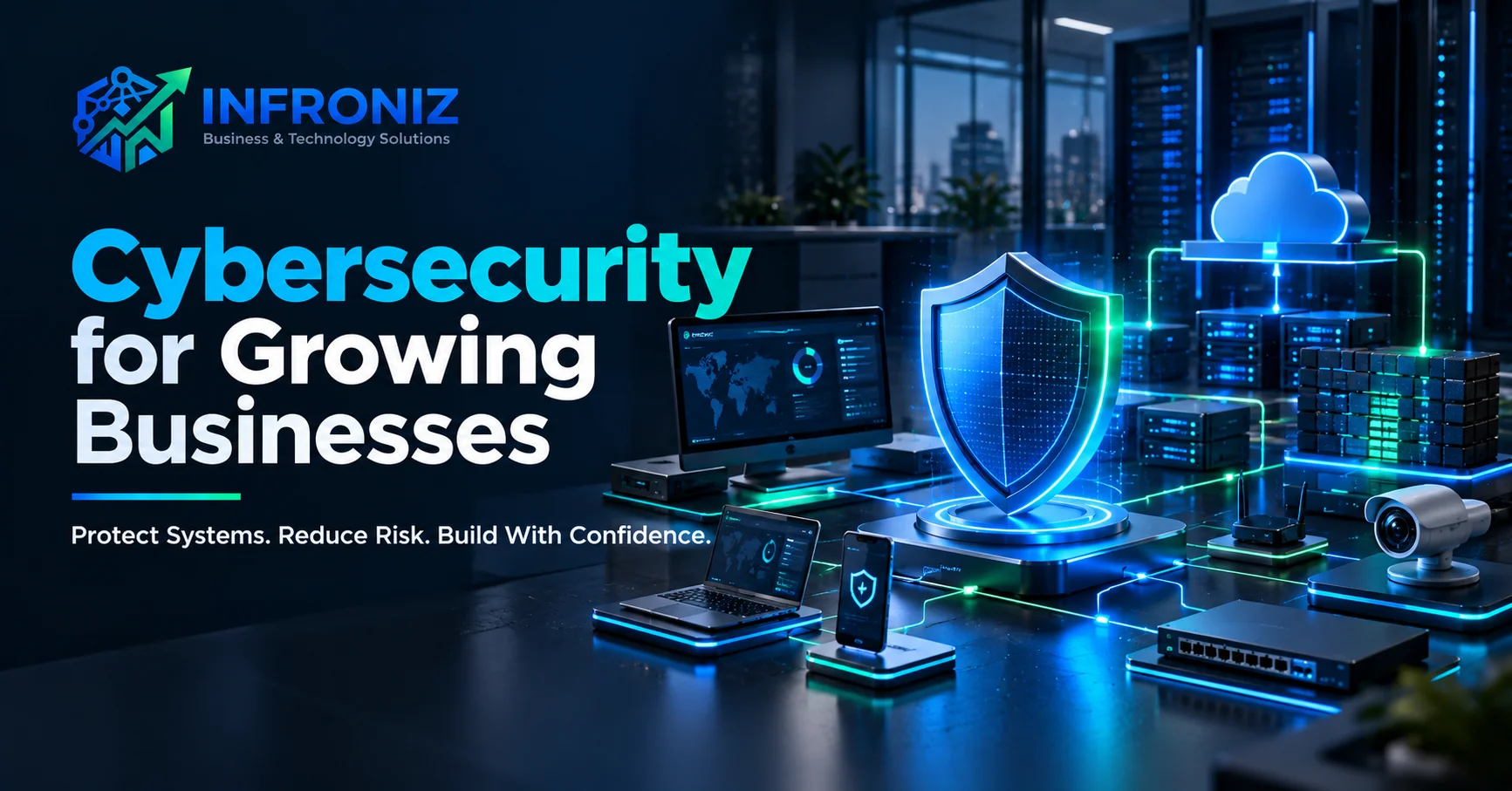
Cybersecurity is no longer a concern only for large enterprises. Small and medium businesses increasingly depend on cloud applications, email, remote access, online payments, customer data, connected devices, business software, and internal networks. Every new digital dependency also creates something that needs to be protected.
For a growing business, cybersecurity does not need to begin with an expensive collection of enterprise tools. It should begin with understanding what the business depends on, where the realistic risks are, who has access, how systems are protected, and what happens if something goes wrong.
This guide explains the practical foundations of cybersecurity for small and medium businesses and how security connects with networks, infrastructure, software, cloud systems, and everyday employee behavior.
Why Cybersecurity Matters for Growing Businesses
A security incident can affect much more than IT. It can interrupt operations, expose customer or company information, lock employees out of systems, damage equipment or data, create financial loss, and weaken customer trust.
Smaller organizations can also face a difficult problem: they often use many of the same technologies as larger companies but have fewer dedicated security resources.
The objective should therefore be risk reduction, not the unrealistic promise of perfect security. A practical cybersecurity program prioritizes the systems and information that matter most to the business.
1. Start With Your Business-Critical Assets
Before buying security products, identify what the organization cannot operate without.
This may include email accounts, customer databases, accounting systems, websites, business applications, cloud storage, servers, employee devices, network equipment, CCTV systems, backups, domain accounts, and administrator credentials.
Once critical assets are known, the business can make better decisions about access, backups, monitoring, and recovery.
2. Strengthen Identity and Access Control
Compromised accounts can provide attackers with direct access to business systems. Access management is therefore one of the most important security foundations.
Businesses should use strong unique passwords, multi-factor authentication where available, separate administrator accounts, role-based permissions, and a clear process for removing access when an employee or contractor leaves.
Users should receive only the access required for their work. Giving every employee administrator-level permissions increases unnecessary risk.
3. Secure the Business Network
The network connects employees, servers, applications, printers, cameras, communication systems, and internet services. Poor network design can allow a problem in one area to affect another.
Depending on the environment, useful controls may include properly configured firewalls, secure Wi-Fi, network segmentation, updated routers and switches, controlled remote access, VPNs where appropriate, and monitoring of unusual activity.
Infroniz provides IT Infrastructure & Networking and Cybersecurity & Firewall solutions that can be planned together so security is considered as part of the network architecture rather than added later.
4. Protect Employee Devices and Endpoints
Laptops and desktop computers are common entry points because employees use them for email, downloads, browsers, cloud applications, and external files.
Practical endpoint protection includes timely operating-system and software updates, reputable endpoint security, restricted administrator privileges, disk encryption where appropriate, device locking, and policies for lost or stolen equipment.
Businesses should also know which devices have access to company systems. Unmanaged devices create blind spots.
5. Build a Reliable Backup Strategy
Backups are essential for recovering from ransomware, accidental deletion, hardware failure, corrupted data, and other incidents.
A backup is useful only if it can actually be restored. Businesses should define what needs to be backed up, how often backups run, where copies are stored, who can access them, and how restoration is tested.
Critical backups should not depend entirely on the same environment they are designed to recover.
6. Secure Business Applications and Websites
Cybersecurity also extends to custom software, websites, APIs, databases, and cloud applications.
Security considerations can include authentication, authorization, input validation, secure API design, encrypted connections, database permissions, dependency updates, logging, backups, secrets management, and production monitoring.
For businesses building digital products, security should be considered during Custom Software Development and Web Application Development rather than waiting until the application is ready to launch.
7. Protect Cloud Accounts and Third-Party Services
Many businesses now depend on cloud email, file storage, SaaS products, hosting platforms, payment providers, messaging services, and other external systems.
Third-party platforms reduce some infrastructure responsibility but do not remove the business's responsibility for account security, permissions, configuration, and user access.
Maintain an inventory of important services, enable available security controls, review administrator accounts, and make sure business-critical subscriptions and domains are owned through appropriate company-controlled accounts.
8. Employee Awareness Is Part of Security
Technology alone cannot prevent every incident. Employees regularly make decisions involving links, attachments, passwords, payment requests, shared files, and sensitive information.
Security awareness should help employees recognize suspicious messages, unusual login requests, social-engineering attempts, unexpected payment instructions, and unsafe handling of credentials.
The objective is not to make employees afraid of technology. It is to create simple habits and a clear way to report something suspicious quickly.
9. CCTV and Physical Security Also Matter
Digital and physical security increasingly overlap. Network-connected CCTV cameras, recorders, access systems, and other devices can become part of the organization's technology environment.
Default credentials should be changed, unnecessary external access should be restricted, firmware should be maintained where practical, and devices should be placed on appropriately designed networks.
Infroniz provides CCTV Surveillance & PABX solutions alongside networking and infrastructure services, allowing physical systems to be considered within the wider technology environment.
10. Prepare for Security Incidents
Businesses should assume that some incidents will eventually occur, even with good preventive controls.
An incident plan should answer basic questions: Who needs to be contacted? Which systems should be isolated? Where are backups? Who controls administrator accounts? How will customers or management be informed? Which external providers need to be involved?
Having these answers before an emergency reduces confusion when time matters.
Cybersecurity and AI
AI is increasingly used in business applications and automation, but it introduces additional questions around data access, third-party services, permissions, and generated output.
Businesses should understand what information is sent to AI providers, which employees can access AI-enabled systems, what actions automated tools can perform, and where human approval is required.
If AI is connected to internal software or workflows, security should be part of the architecture. Infroniz can combine AI & Process Automation, API & System Integration, and custom development with appropriate access and infrastructure planning.
A Practical Cybersecurity Checklist
A growing business should be able to answer these questions:
- Are important accounts protected with strong authentication?
- Do former employees lose access promptly?
- Are administrator privileges limited?
- Are business devices and software kept updated?
- Is the network protected by an appropriately configured firewall?
- Is remote access controlled?
- Are important systems and data backed up?
- Have backups been tested?
- Are cloud and domain administrator accounts controlled by the business?
- Are websites, applications, APIs, and databases maintained?
- Do employees know how to report suspicious activity?
- Is there a basic incident-response plan?
If several answers are unclear, that is a useful starting point for a security review.
How Infroniz Can Help
Cybersecurity works best when it is connected to the broader technology environment.
Infroniz Business & Technology Solutions supports businesses across Cybersecurity & Firewall Solutions, IT Infrastructure & Networking, CCTV Surveillance & PABX, Custom Software Development, Web Application Development, Mobile App Development, AI & Process Automation, and API & System Integration.
This allows security requirements to be considered alongside the systems they are protecting rather than treated as an isolated product.
Depending on the requirement, an engagement may involve network and firewall planning, infrastructure review, access controls, secure system architecture, application security considerations, CCTV/network integration, or technology consulting.
The right starting point is understanding the environment, identifying meaningful risks, and prioritizing improvements according to business impact.
Related Infroniz Guides
Only link to articles that are already live on the website.
Recommended currently-live links:
- Custom Software Development: /blog/custom-software-development-guide
- AI Automation for Business: /blog/ai-automation-for-business
- Web Application Development: /blog/web-application-development-guide
- AI Workflow Automation: /blog/ai-workflow-automation
Do not add links to future unpublished articles. Add them later as the 30-day content cluster grows.
Frequently Asked Questions
What is cybersecurity for small business?
Cybersecurity for small business is the combination of policies, technology, access controls, backups, network protection, employee practices, monitoring, and recovery planning used to reduce digital and operational risk.
Does a small business really need cybersecurity?
Any business that relies on email, computers, customer information, cloud services, online payments, websites, networks, or connected devices has security risks worth managing.
Is a firewall enough to protect a business?
No. A firewall is an important network control, but security also involves identities, endpoints, applications, backups, cloud accounts, updates, employee awareness, monitoring, and recovery.
How often should a business back up its data?
The appropriate frequency depends on how much data the business can afford to lose and how quickly information changes. Critical systems may require much more frequent backups than static information.
Can Infroniz help with both networking and cybersecurity?
Yes. Infroniz provides Cybersecurity & Firewall Solutions together with IT Infrastructure & Networking and related technology services, allowing security and infrastructure requirements to be planned as a connected system.
Final Takeaway
Cybersecurity should not be treated as a one-time installation or a product that makes risk disappear.
For most growing businesses, the strongest approach is consistent security hygiene: protect identities, control access, maintain systems, secure networks, back up important data, train employees, monitor critical infrastructure, and prepare for incidents.
If you want to review your business network, firewall, infrastructure, applications, or broader security requirements, contact Infroniz Business & Technology Solutions to discuss a practical security approach based on your actual environment.