
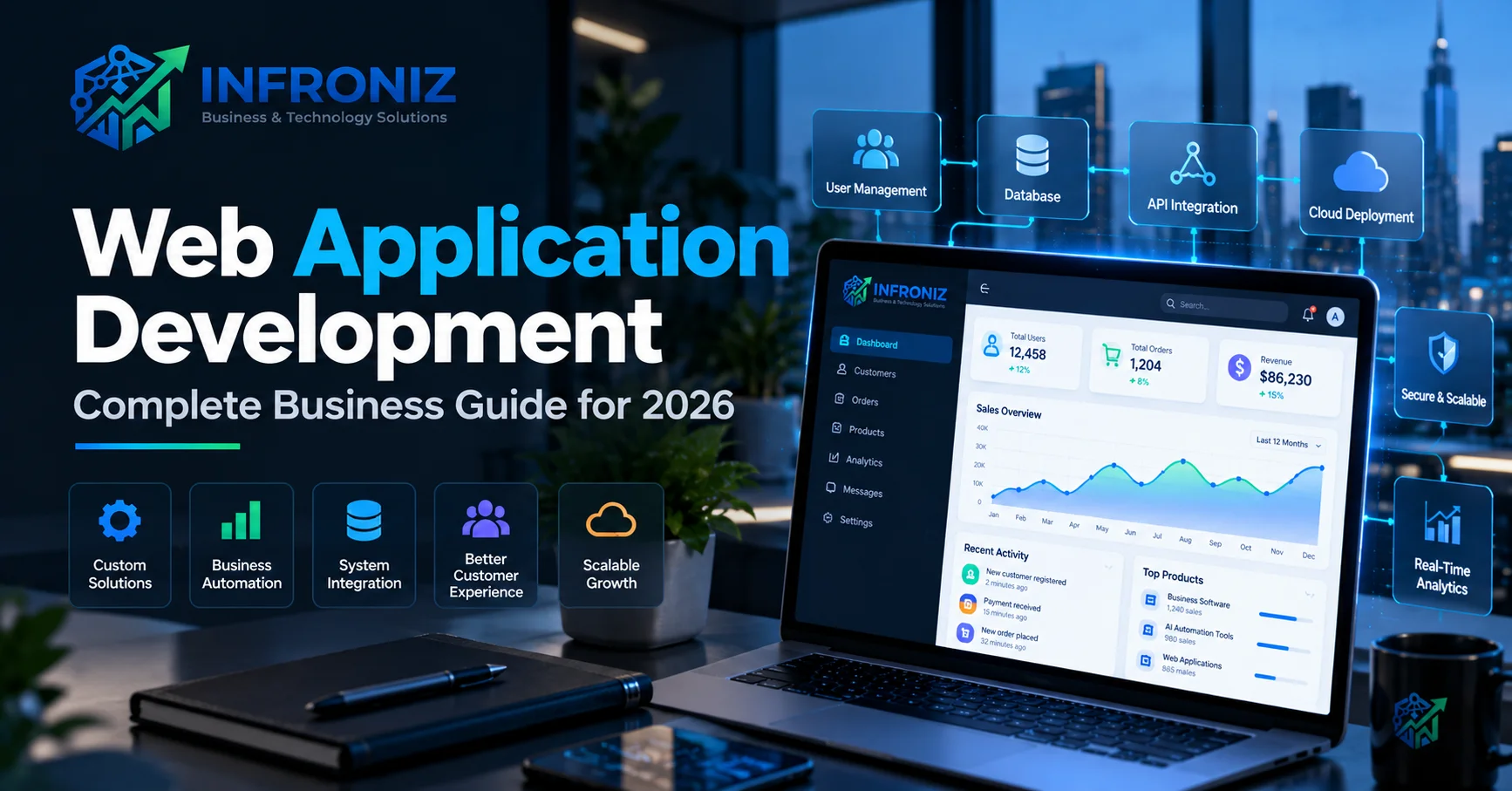
Modern businesses increasingly depend on web applications to manage operations, serve customers, automate workflows, process transactions, and deliver digital services.
From customer portals and SaaS platforms to CRM systems, booking applications, ecommerce solutions, dashboards, and internal management systems, web application development allows businesses to create software that users can access directly through a web browser.
Unlike a traditional website that primarily presents information, a web application allows users to interact with data, complete tasks, manage accounts, collaborate, make payments, generate reports, and perform business processes online.
This guide explains what web application development is, how it works, the technologies involved, common business use cases, development costs, security considerations, and how to approach a successful web application project in 2026.
What Is Web Application Development?
Web application development is the process of designing, building, testing, deploying, and maintaining interactive software that runs through a web browser.
Users typically do not need to install traditional desktop software. They can access the application using a browser on a desktop, laptop, tablet, or mobile device.
Common examples of web applications include:
- Customer portals
- CRM systems
- ERP applications
- SaaS platforms
- Booking and reservation systems
- Inventory management software
- Project management platforms
- Financial dashboards
- Ecommerce applications
- Employee management systems
- Learning management systems
- Healthcare portals
- Subscription platforms
- AI-powered business applications
- Workflow automation systems
A well-designed web application combines business requirements, user experience, software engineering, databases, integrations, security, and scalable infrastructure.
Website vs Web Application: What Is the Difference?
Although the terms are sometimes used interchangeably, a website and a web application usually serve different purposes.
A website primarily delivers information, while a web application enables users to perform ongoing tasks and interact with business data.
| Website | Web Application |
|---|---|
| Primarily informational | Highly interactive |
| Content-focused | Functionality-focused |
| Usually limited user accounts | Often includes authentication and user roles |
| Simple data interaction | Complex database operations |
| Marketing and communication | Business processes and digital services |
| Generally simpler architecture | May require complex frontend, backend and APIs |
For example, a company website may explain services and collect inquiries.
A custom web application might allow customers to create accounts, submit requests, track projects, make payments, download documents, communicate with staff, and view analytics.
Why Businesses Invest in Web Applications
Businesses usually invest in custom web application development when existing software cannot efficiently support their processes or when they want to create a digital product.
1. Access From Anywhere
Because web applications run through browsers, employees and customers can access them from different locations and devices when appropriate permissions and internet access are available.
This makes web applications useful for distributed teams, multi-location businesses, customer portals, and cloud-based services.
2. Centralized Business Operations
Instead of maintaining separate spreadsheets and disconnected systems, businesses can centralize important processes within a single application.
A web application can potentially combine:
- Customers
- Sales
- Orders
- Inventory
- Payments
- Employees
- Documents
- Projects
- Support requests
- Analytics
This creates better operational visibility and reduces unnecessary duplication.
3. Workflow Automation
Web applications can automate repetitive processes using predefined business rules.
For example:
New Inquiry → CRM Record → Sales Assignment → Notification → Follow-Up → Proposal → Customer Status Update
Instead of employees manually performing each step, the application can coordinate the workflow automatically.
4. Integration With Existing Software
Modern businesses rarely operate using a single platform.
Web applications can integrate with third-party systems through APIs.
Common integrations include:
- Payment gateways
- CRM platforms
- ERP software
- Accounting systems
- Email services
- WhatsApp and messaging platforms
- Cloud storage
- Analytics tools
- Logistics providers
- Ecommerce platforms
- AI services
- External databases
Well-designed integrations allow information to move between systems without repeated manual entry.
Common Types of Web Applications
Customer Portals
Customer portals give users secure access to information and services related to their accounts.
Customers may be able to manage profiles, submit requests, track orders, download documents, view invoices, make payments, or communicate with support teams.
SaaS Applications
Software as a Service platforms deliver software through the internet, often using recurring subscription models.
A SaaS web application may need features such as:
- Multi-tenant architecture
- User management
- Subscription billing
- Role-based permissions
- Usage tracking
- Administration dashboards
- Reporting
- API integrations
Internal Business Applications
Companies can develop internal applications to manage specialized workflows that generic software does not handle efficiently.
Examples include operations management, approval systems, employee portals, procurement platforms, inventory applications, and custom reporting tools.
Marketplace Platforms
Marketplaces connect multiple groups of users, such as buyers and sellers or customers and service providers.
These applications may require listings, search, messaging, payments, reviews, commissions, dashboards, and administrative controls.
Booking and Scheduling Applications
Service businesses can use web applications for appointment scheduling, resource availability, payments, notifications, cancellations, and customer management.
Business Dashboards
Custom dashboards can combine information from multiple systems and display relevant metrics in one interface.
This can help management monitor performance without manually combining spreadsheets and reports.
Frontend and Backend Web Development
A modern web application usually consists of several technical layers.
Frontend Development
The frontend is the part of the application users interact with directly.
It includes:
- Navigation
- Forms
- Dashboards
- Tables
- Charts
- Search
- Notifications
- User interactions
Modern frontend technologies can include frameworks such as React, Next.js, Vue, and similar technologies depending on project requirements.
Backend Development
The backend handles business logic and communication between the user interface, database, integrations, and other services.
Backend responsibilities may include:
- Authentication
- Authorization
- Business rules
- Database operations
- API development
- Payment processing
- Notifications
- Integrations
- Background processing
Database
The database stores application information such as users, transactions, products, orders, permissions, settings, and operational records.
Database architecture should consider data integrity, performance, security, backups, and future growth.
Web Application Development Process
Successful web app development should begin with the business problem rather than immediately selecting technologies.
Step 1: Discovery and Business Analysis
The first stage is understanding the business requirements.
This includes identifying:
- Business objectives
- Target users
- Existing workflows
- Operational problems
- User roles
- Required integrations
- Security requirements
- Expected growth
Step 2: Define the MVP
Trying to build every possible feature in the first release increases development time, cost, and product risk.
A better approach is often to define a Minimum Viable Product (MVP).
The MVP should contain the smallest reliable set of features required to solve the primary user problem.
Step 3: UX/UI Design
User experience should be designed before significant engineering begins.
A typical design process may include:
User Journey → Information Architecture → User Flows → Wireframes → UI Design → Interactive Prototype
This allows workflows and assumptions to be reviewed before they become expensive code.
Step 4: Technical Architecture
The development team determines how the application will be structured.
This may include decisions about:
- Frontend architecture
- Backend technology
- Database
- APIs
- Authentication
- Cloud infrastructure
- Third-party services
- Security
- Deployment
- Monitoring
Step 5: Development
Developers build the application in manageable iterations.
Incremental delivery allows stakeholders to review working features throughout development instead of discovering major workflow problems at the end.
Step 6: Quality Assurance
Testing should cover more than whether buttons work.
A web application should be evaluated for:
- Functional accuracy
- User workflows
- Permissions
- Browser compatibility
- Responsive behavior
- API integrations
- Performance
- Error handling
- Security
- Data integrity
Step 7: Deployment
After testing and approval, the application is deployed to the production environment.
Production planning may include:
- Cloud hosting
- Domain configuration
- SSL certificates
- Database deployment
- Backups
- Logging
- Monitoring
- Analytics
Step 8: Continuous Improvement
Real users provide information that prototypes cannot.
After launch, teams should monitor product usage, technical errors, support requests, conversion points, and user feedback.
Future features should be prioritized using evidence from actual usage rather than assumptions.
AI in Modern Web Application Development
Artificial intelligence is increasingly becoming part of modern web applications.
However, AI should be connected to a clear business use case.
Useful applications can include:
- AI customer support
- Document processing
- Natural-language search
- Content classification
- Data summarization
- Recommendation systems
- AI assistants
- Workflow automation
- Business intelligence
For businesses interested in implementing these capabilities, our guide to AI automation for business explains how AI can be combined with business workflows and existing software.
Web Application Security
Security should be considered throughout the development process rather than added after launch.
Depending on the application, important controls may include:
- Secure authentication
- Role-based access control
- Encrypted connections
- Secure password handling
- Input validation
- API security
- Database protection
- Audit logs
- Backups
- Monitoring
- Dependency updates
Applications handling financial, personal, healthcare, or other sensitive information may require additional controls and compliance considerations.
Scalability and Performance
A successful application may eventually need to support significantly more users, transactions, data, and integrations than it handled at launch.
Scalable web application architecture may include:
- Cloud infrastructure
- Efficient database design
- Caching
- Content delivery networks
- Background processing
- Load management
- Monitoring
- Modular application architecture
Not every application needs enterprise-scale infrastructure immediately.
The objective is to avoid architectural decisions that make reasonable future growth unnecessarily expensive.
How Much Does Web Application Development Cost?
There is no universal price for web application development services.
Development cost depends on factors such as:
- Application complexity
- Number of features
- User roles
- UX/UI requirements
- Database complexity
- Third-party integrations
- Payment functionality
- AI features
- Security requirements
- Data migration
- Cloud infrastructure
- Testing
- Post-launch support
A simple internal dashboard and a multi-tenant SaaS platform should not be expected to have similar development budgets.
Before requesting a development estimate, businesses should clearly define the core problem, users, required workflows, integrations, and first-release scope.
Custom Web Application vs Ready-Made Software
Businesses do not always need to build custom software.
If an established SaaS product already handles the required workflow effectively and economically, using that platform may be the better decision.
Custom web application development becomes more relevant when:
- Your workflows are specialized.
- Existing products require excessive workarounds.
- Multiple systems need to be integrated.
- Your business requires proprietary functionality.
- You are creating a SaaS or digital product.
- Automation provides significant operational value.
- Existing platforms become restrictive as the business scales.
For a deeper comparison, read our Custom Software Development Guide.
How to Choose a Web Application Development Company
Selecting a web application development company should involve more than comparing hourly rates.
Evaluate whether the development partner understands:
- Business requirements
- Product strategy
- UX/UI design
- Frontend development
- Backend engineering
- Database architecture
- API integrations
- Cloud infrastructure
- Security
- Testing
- Scalability
- Post-launch maintenance
A strong technology partner should challenge unnecessary complexity and help identify the smallest effective solution rather than automatically recommending more features.
Common Web Application Development Mistakes
Building Too Many Features
Large feature lists increase development time without guaranteeing business value.
Prioritize the workflows that solve the most important user problems.
Ignoring UX
A technically powerful application can still fail if users cannot understand how to use it.
Skipping Discovery
Starting development before understanding business rules and workflows often leads to expensive changes later.
Ignoring Integrations Until Late
Integrations can affect architecture, permissions, data structures, and workflows. Important external systems should be identified early.
Ignoring Analytics
Without product analytics and operational metrics, businesses have limited evidence for deciding what to improve after launch.
Overengineering the First Version
Building infrastructure for hypothetical millions of users can create unnecessary cost and complexity.
Architecture should support realistic growth while keeping the first release manageable.
Related Infroniz Guides
- Custom Software Development: Complete Guide for Businesses
- AI Automation for Business: A Practical Guide for 2026
Build a Web Application Around Your Business
A successful web application should do more than look modern.
It should simplify a real workflow, create a better user experience, integrate with the systems your business depends on, and provide a technical foundation that can evolve as requirements change.
Infroniz Business & Technology Solutions helps businesses design and develop digital products and technology solutions including:
- Custom web application development
- Custom software development
- SaaS product development
- Mobile application development
- AI and process automation
- API and system integration
- Business dashboards
- Cloud applications
- Workflow automation
Our approach combines business requirements, product strategy, UX design, software engineering, and automation rather than treating development as an isolated coding exercise.
Planning a web application? Contact Infroniz to discuss your requirements and identify a practical path from idea to production.
Frequently Asked Questions
What is web application development?
Web application development is the process of designing and building interactive software that users access through a web browser. Web applications can support accounts, databases, transactions, workflows, integrations, dashboards, and other business functionality.
What is an example of a web application?
Examples include CRM platforms, SaaS products, customer portals, ecommerce applications, booking systems, project management software, ERP systems, business dashboards, and employee management platforms.
How is a web application different from a website?
A website generally focuses on presenting information and marketing content, while a web application allows users to perform tasks, interact with data, manage accounts, and complete ongoing workflows.
How long does it take to develop a web application?
The timeline depends on scope, UX complexity, number of features, integrations, user roles, security requirements, testing, and infrastructure. A focused MVP can usually be delivered faster than a complex enterprise or multi-tenant SaaS application.
Can a web application integrate with existing business software?
Yes. Web applications can often integrate with CRM, ERP, accounting, ecommerce, payment, logistics, messaging, analytics, cloud, and AI services when appropriate APIs or integration methods are available.
Can AI be added to a web application?
Yes. AI can be integrated for customer support, document processing, intelligent search, classification, summarization, recommendations, workflow automation, and other use cases where it creates measurable value.